Do I need a PC to play?
Our newest titles run natively on standalone headsets, meaning no PC is required. However, PCVR versions are also available for those wanting enhanced graphical fidelity.

Your portal to the next reality is ready. Follow these simple steps to configure your gear and dive into our worlds today.
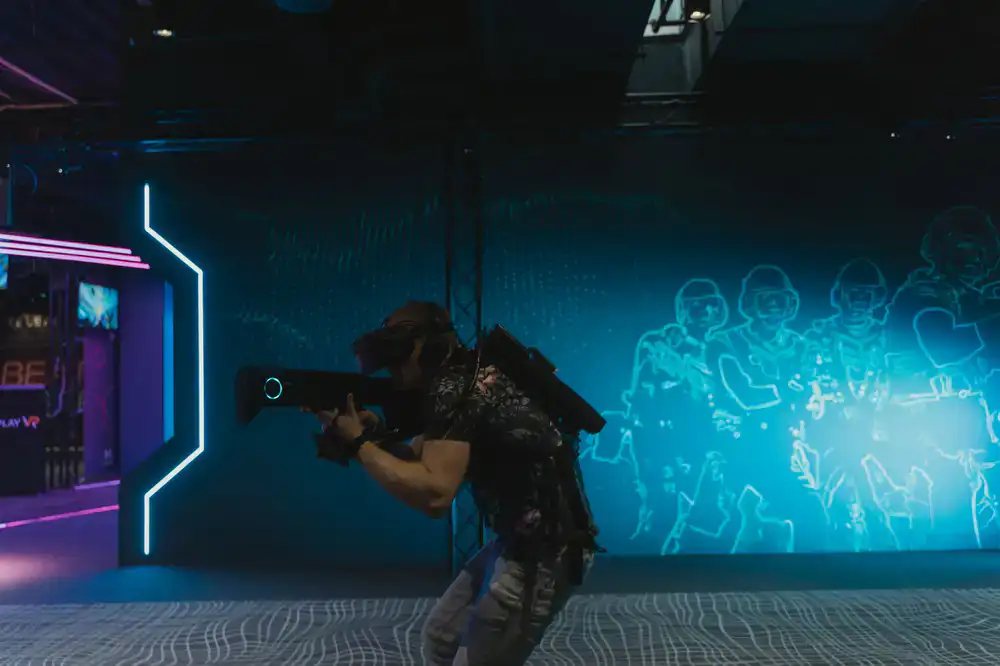
Experience high-speed cybernetic combat. Neon Vertex is currently our most active multiplayer environment, designed from the ground up for seamless room-scale movement, zero-gravity mechanics, and precise hand tracking.
Three straightforward steps to enter the Deepdive ecosystem and start playing.
Search for Deepdive VR on your preferred headset store. Download our main launcher to ensure you always have the latest engine optimizations and secure multiplayer access before launching any individual title.
Open the client and follow the brief calibration sequence. This maps your exact physical height and reach to your digital avatar, ensuring maximum accuracy when interacting with in-game objects.
Browse your library within the virtual hub. Step through the activation portal of your chosen game to seamlessly transition from the lobby into active gameplay.
Virtual reality is best experienced when you feel secure and physically comfortable in the real world. Optimize your environment before you start.

Our newest titles run natively on standalone headsets, meaning no PC is required. However, PCVR versions are also available for those wanting enhanced graphical fidelity.
Yes. Players using standalone mobile headsets can seamlessly join lobbies and interact with players connected via desktop VR systems.
Open your wrist-menu in any game. You can toggle between smooth locomotion, teleportation, and adjust snap-turn degrees to match your comfort level.
If you are experiencing issues with a game installation or hardware setup, send a detailed message to our technical team.